


DE Online Shop
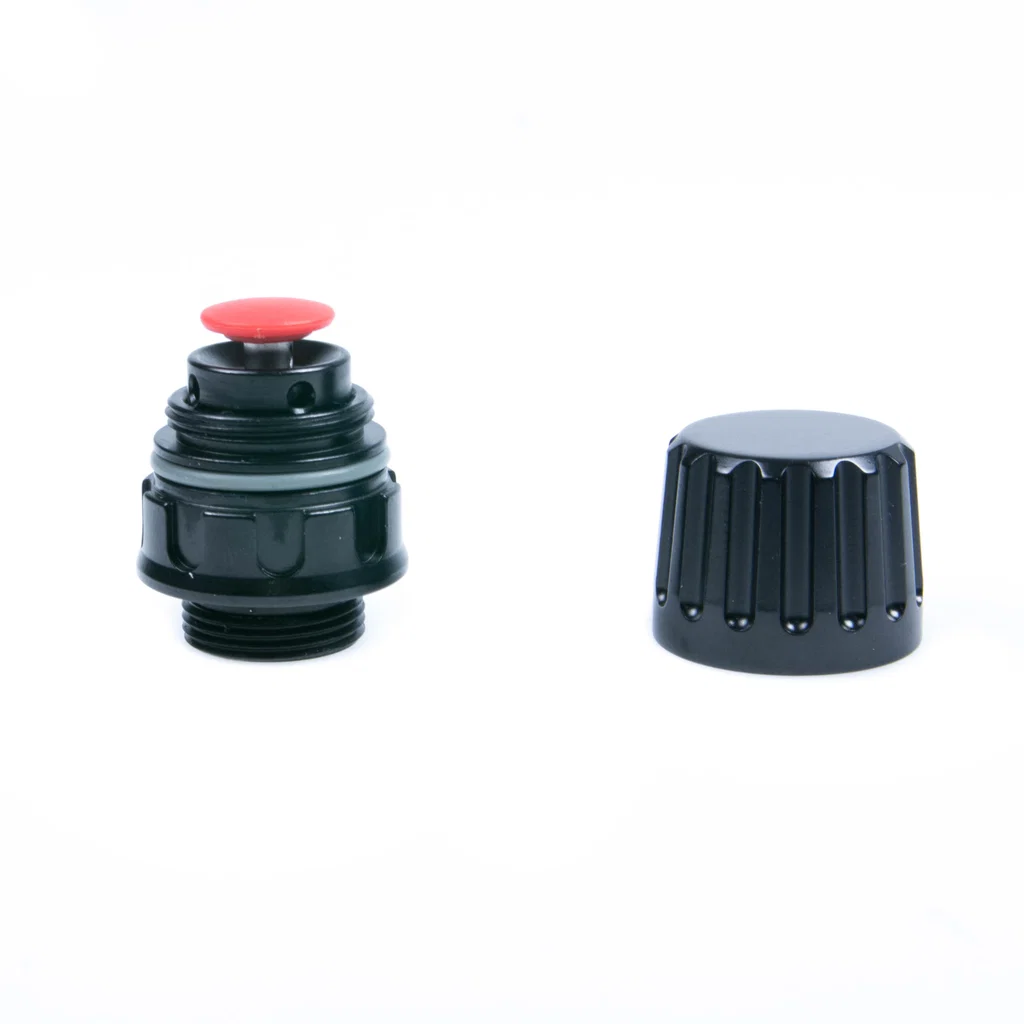
Nauticam M14 / M16 Vacuum Valve II
$184
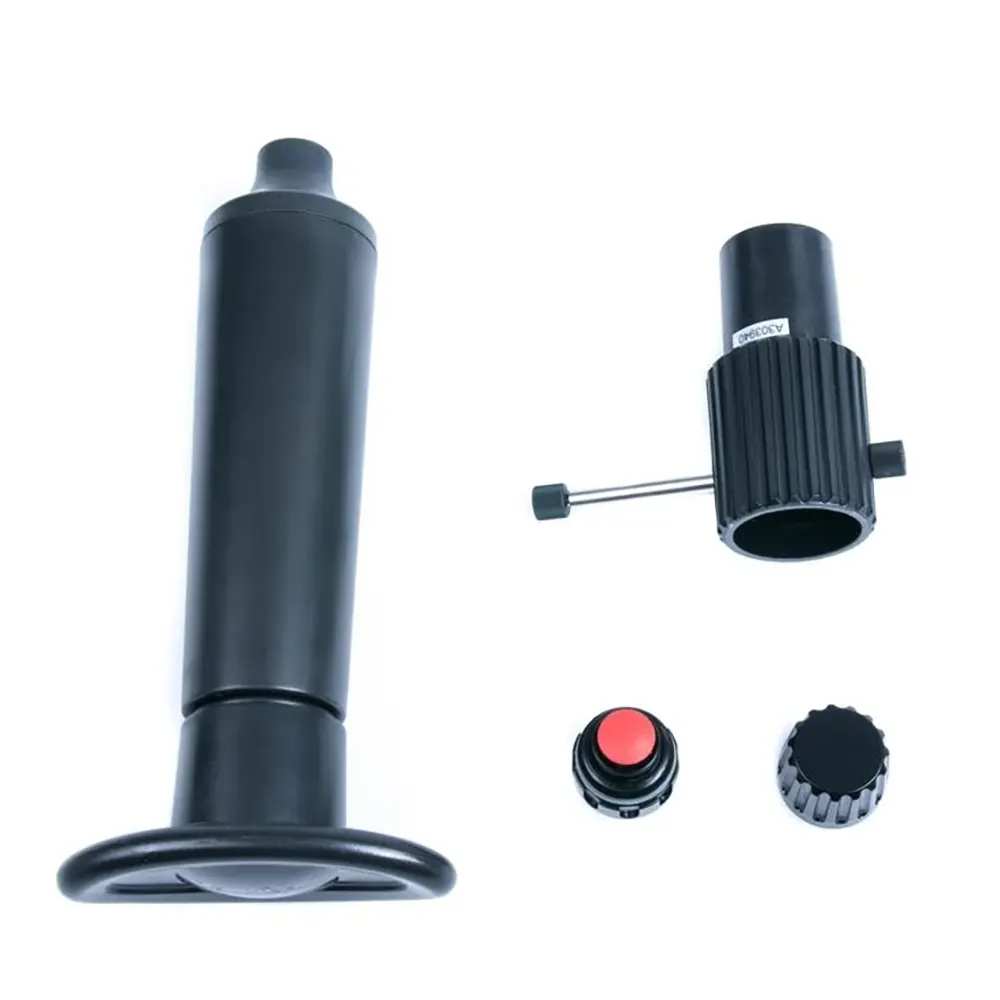
To install the vacuum valve first remove the plug of the M14 / M16 accessory port from the housing. Next, Remove the cap from the vacuum valve. Check that the O-ring is in place where the vacuum valve comes in contact with the housing. Lastly, tighten the vacuum valve to the housing with the tool provided.
Note: Slightly lubricate the O-ring that comes in contact with the housing with Nauticam lubricant.
Description
Nauticam M14 / M16 Vacuum Valve II
Building Up Vacuum
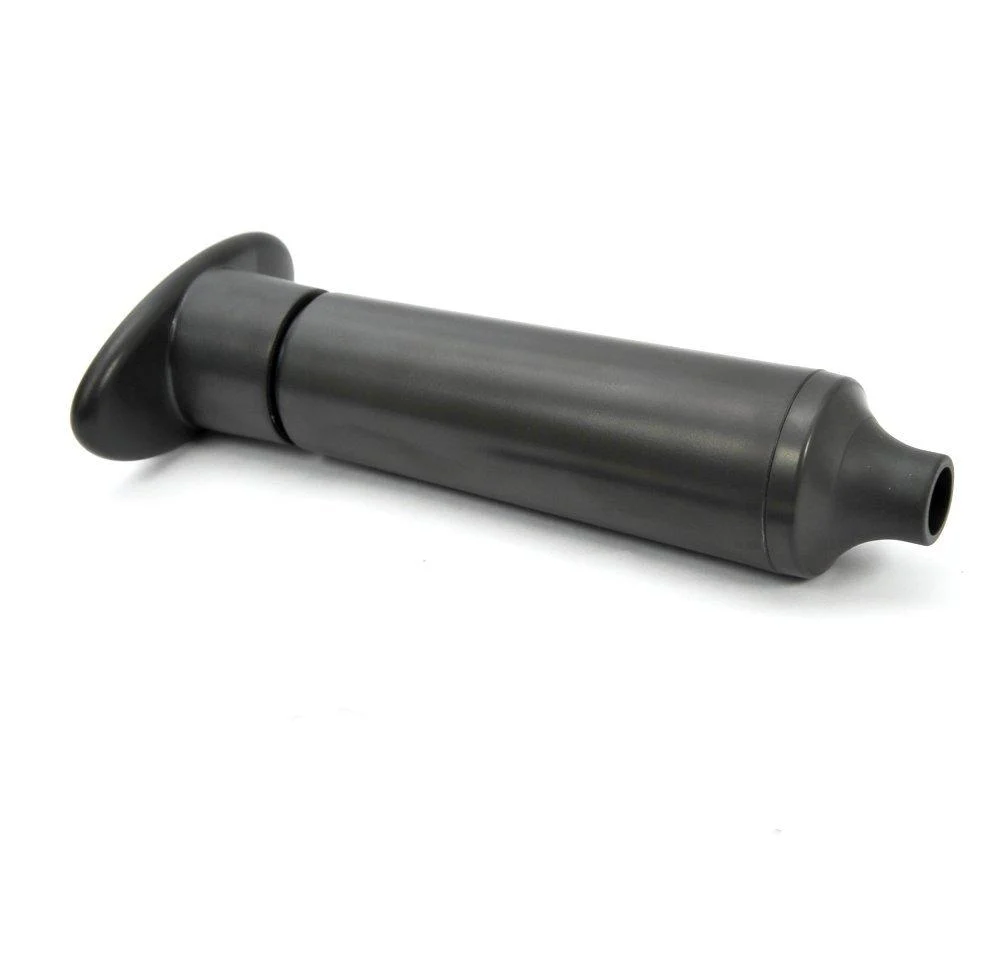
Remove the cap of the vacuum valve. Connect the hand pump to the valve and pump several times until it reaches the target vacuum level. The LED light will turn flashing yellow while vacuum is building up, then steady green when the target vacuum level is reached.
Attention: After the target vacuum is reached, i.e. steady green light, attach the cap back to the vacuum valve.
It is recommended to leave the housing for at least 20mins to ensure it is sealed. If the LED light changes from steady green light to rapidly flashing yellow light, that means there is a leakage and please check every O-ring and conduct the vacuum test again.
Please ensure that the cap is attached back to the vacuum valve before going underwater.
Vacuum can be released by pushing the red release button.
*Hand pump included with valve.
Attention: Please DO NOT attempt to go over the designated vacuum level, i.e. stop pumping when the LED turn green. Excessive vacuum level may lead to the malfunction of the camera and lens.
Note: Although the vacuum indicator is designated to compensate for a certain amount of temperature variation, it is recommended to conduct the vacuum test in an environment where the temperature is stable.
| After set up, the meaning of the LED indicator in the housing: | |
|---|---|
| LED indicator | Status |
| Flashing “Blue” light | Standby mode. The moisture alarm is active, and the system is ready for vacuum indication whenever a vacuum is detected. |
| Flashing “Red” light with beeping sound | Moisture is detected. |
| Flashing “Yellow” light | Some vacuum is detected, target vacuum level is not reached. |
| Steady “Green” light | Target vacuum level is reached. |
| Rapidly flashing “Yellow” light | Vacuum is dropping. (Will occur only after target vacuum level is reached) |
| Rapidly flashing “Red” light | Vacuum is totally lost. Circuit stalled until switched off. (Will occur only after target vacuum level is reached) |
Learn More about Vacuum Valves
✅歡迎到門市實貨體驗或向我們專業團隊查詢🌊
🏡門市地址:
九龍 尖沙咀 麼地道28號 中福商業大廈9樓全層
門市電話 📞 2724 1322
What s app資詢:
一般服務 📞5223 2480
潛攝器材資詢 📞 5489 4603
⏰營業時間:
星期一至六 1100-2000
星期日 公衆假期 1300-1900
Facebook 活動專頁
IG 活動專頁
潛水課程 船潛 旅遊
🌊潛水快線 用 ❤️ 連結水世界🫶🏻
Additional information
| Weight | 1.5 kg |
|---|